Responsive account access
The secure experience is designed to fit supported phone and tablet screens.

Elite Civic
Mobile banking information for customers who want account access on phones and tablets.
The secure experience is designed to fit supported phone and tablet screens.
Reach balances, recent activity, and common account services.
Use live chat and Contact support when you need assistance on the move.
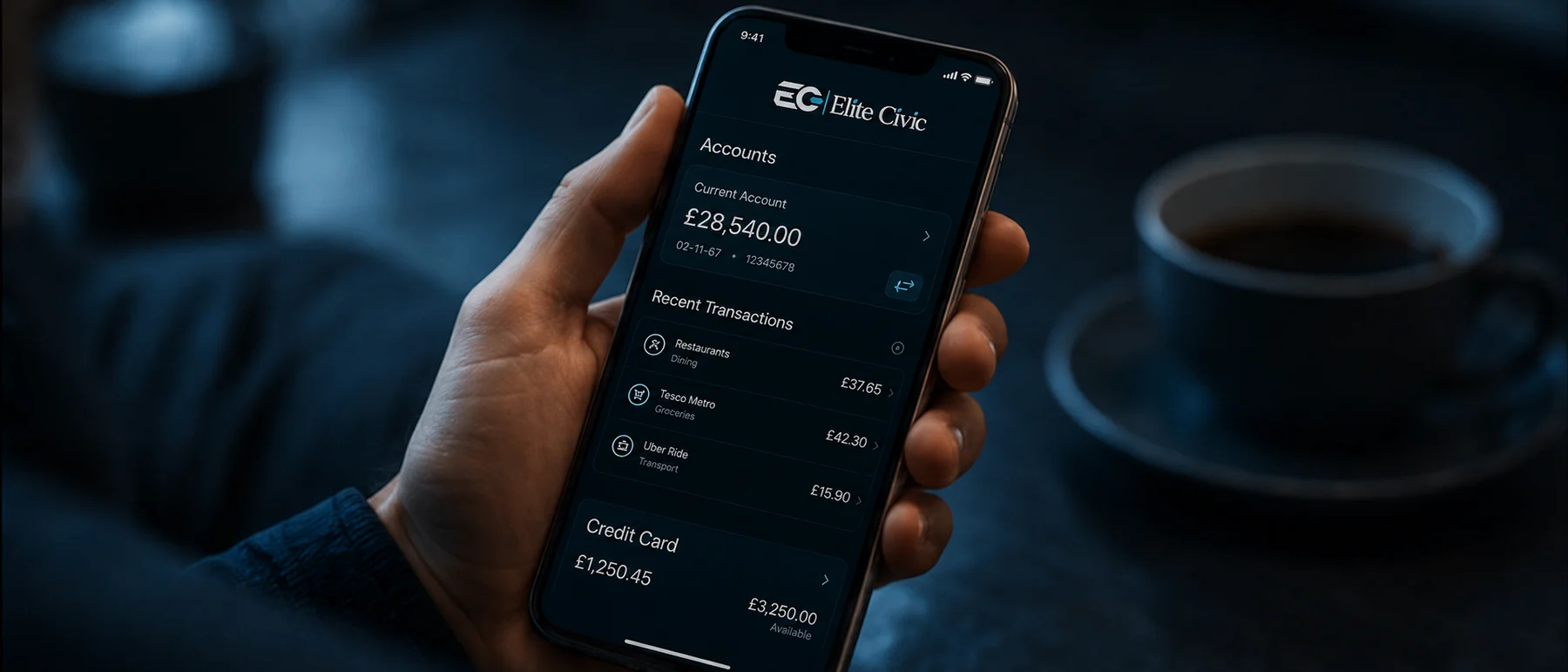
Designed around real needs
Mobile access is designed for quick checks and common account tasks without shrinking a desktop interface beyond usability. Controls, text, navigation, and records adapt to smaller screens.
For longer tasks, customers can continue on a larger screen while using the same secure account and support routes.
What this service covers
Overview
Use mobile-friendly online banking routes to review account information and reach support while away from a desktop.
How it works
Open the official Elite Civic website on your device.
Use the secure login route for your account.
Keep your browser and device security settings up to date.
Common questions
Use only an official download route shown by Elite Civic. The website also supports mobile browsers.
Yes. The public pages and secure dashboard are designed for responsive use.
Who this helps
Reach essential account information without waiting for a desktop.
Use a flexible layout suited to portrait and landscape viewing.
Open live chat or the Contact page from the same device.
Continue securely
Use secure online banking for personal account information, or contact the Elite Civic support team for guidance.
