Online banking
Check your connection and use the official login route before reporting access issues.

Elite Civic
Current service guidance and support routes for customers checking access, transfers, cards, statements, and online banking availability.
Check your connection and use the official login route before reporting access issues.
Review transaction status and account history after secure login.
Use live chat or Contact support when a service remains unavailable.
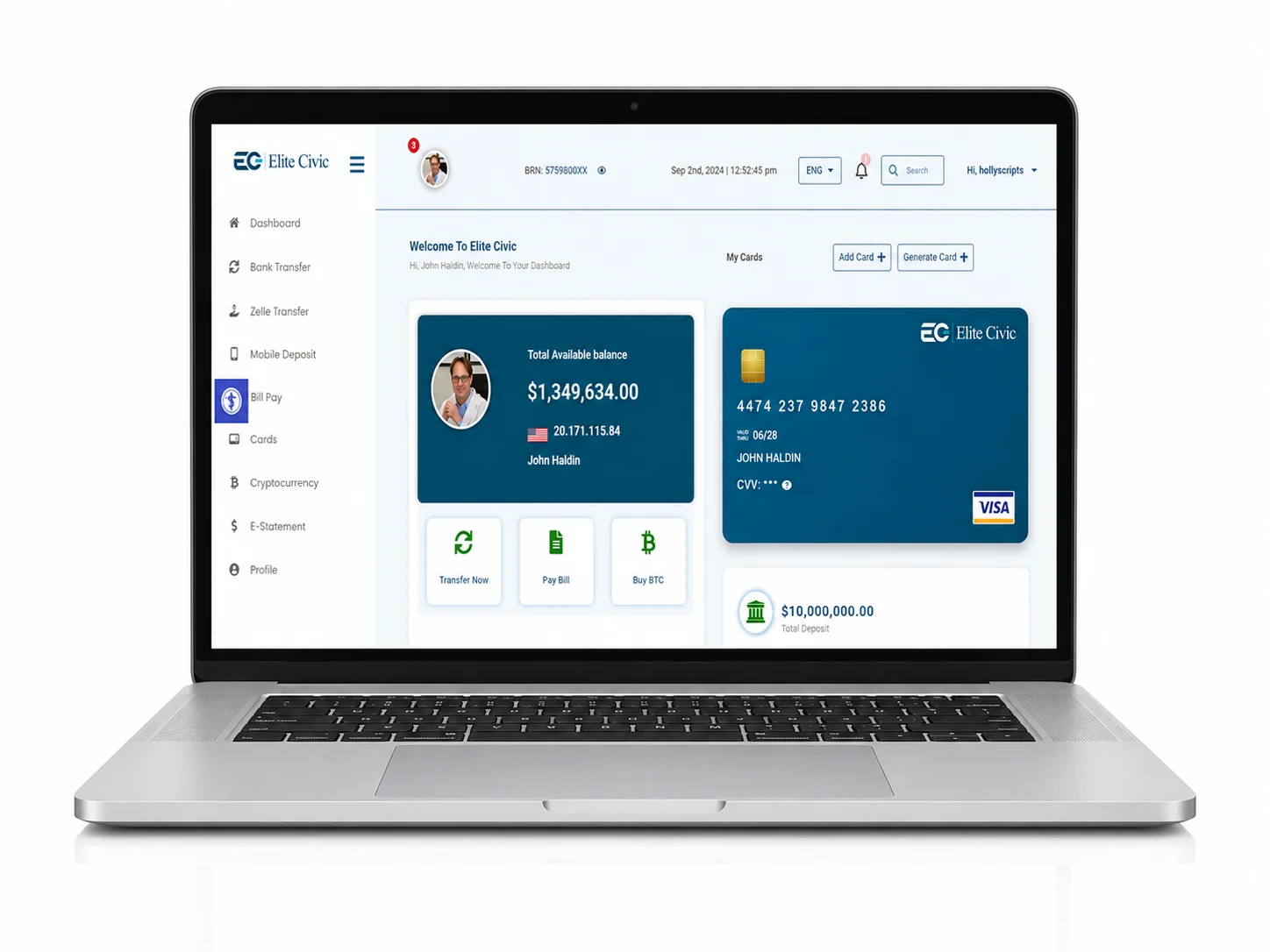
Designed around real needs
A service issue may come from connectivity, device settings, account access, or a wider platform condition. A short ordered check helps customers avoid repeating unsuccessful actions.
Support can help more effectively when the affected service, time, device, and displayed message are clearly described.
What this service covers
Overview
Use this page when checking access to online banking, transfers, cards, statements, or customer support.
How it works
Refresh the page and confirm your internet connection.
Try the official service route once more.
Contact support with the affected service and time of the issue.
Common questions
No. Sign in securely for account-specific information.
Use Contact support and describe the service and the message displayed.
Who this helps
Confirm connectivity, refresh once, and use the official route.
Note the page, time, and message without sharing credentials.
Use live chat or Contact support when the problem continues.
Continue securely
Use secure online banking for personal account information, or contact the Elite Civic support team for guidance.
